
Online Safety Checklist for Gaming-Related Searches
Notice (Independent Information)
8game.club is an independent informational website. We are not affiliated with any operator.
We do not provide downloads, registrations, payments, or customer support. Content is for information and safety awareness only.
We do not provide downloads, registrations, payments, or customer support. Content is for information and safety awareness only.
Searching gaming-related terms online can sometimes expose users to unofficial pages, misleading redirects, or requests for sensitive data.
This checklist is designed to help you browse more safely and reduce risk.
On this page
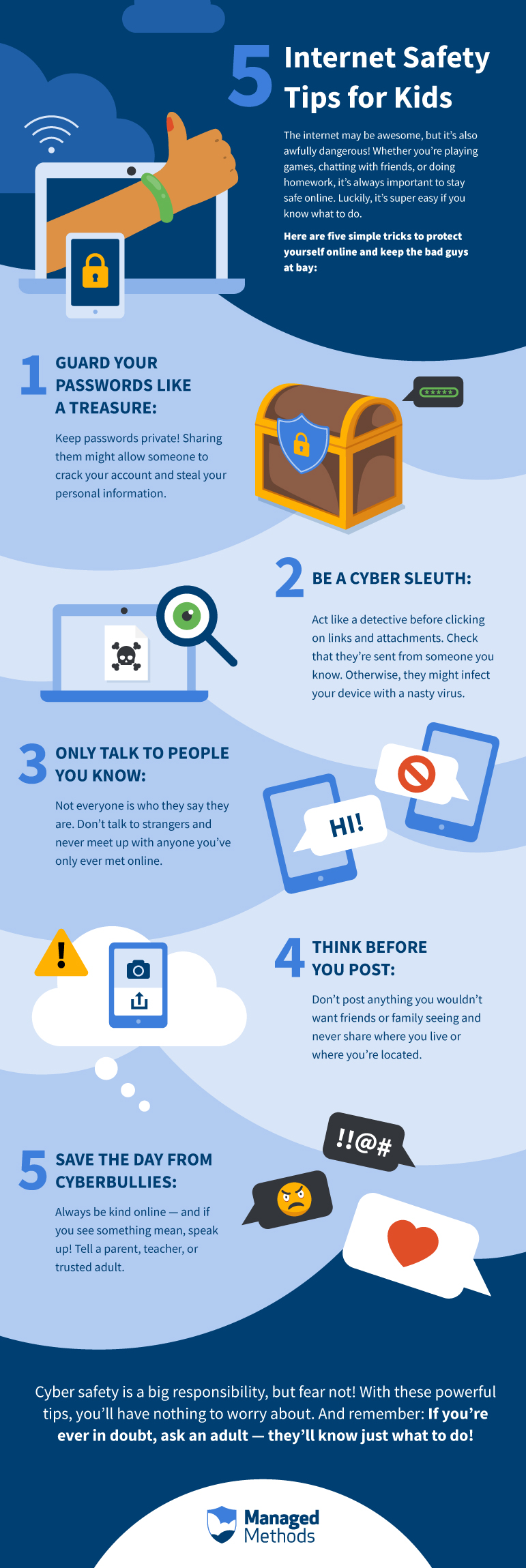
(Informational use only.)
Quick Safety Checklist
- Verify the full URL before you click or proceed. Watch for misspellings and unusual domains.
- Be cautious with redirects. If a page keeps bouncing between sites, stop and close it.
- Never share OTPs, passwords, or PINs on unfamiliar pages or pop-ups.
- Avoid unexpected “login” prompts that appear immediately after clicking a shared link.
- Don’t trust “official” claims by default. Treat them as marketing unless independently verified.
- Leave if the page feels suspicious (urgent countdowns, aggressive pop-ups, forced permissions).
- Use basic device hygiene: update browser, keep security features enabled, and avoid unknown downloads.
Why Safety Awareness Matters
Search terms can be used by many unrelated websites. Some pages are created temporarily, frequently changed, or shared through untrusted sources.
Practicing simple safety checks can reduce the risk of data misuse or unexpected financial loss.
Reminder: If a page requests sensitive information unexpectedly, you should pause and verify the source first.
If you’re unsure, it’s safer to leave the page.
If you’re unsure, it’s safer to leave the page.
What to Do If Something Feels Wrong
- Close the page and do not enter any information.
- Re-check the URL from a trusted source (avoid forwarded or shortened links).
- Run a basic security check on your device if you interacted with suspicious prompts.
- If you shared sensitive information, consider changing passwords and securing accounts immediately.
Last updated: January 11, 2026